SLAT Core Engine
Trellis 2 is built on a Structured Latent representation trained with 2 billion parameters, reconstructing detailed geometry with improved mesh quality.
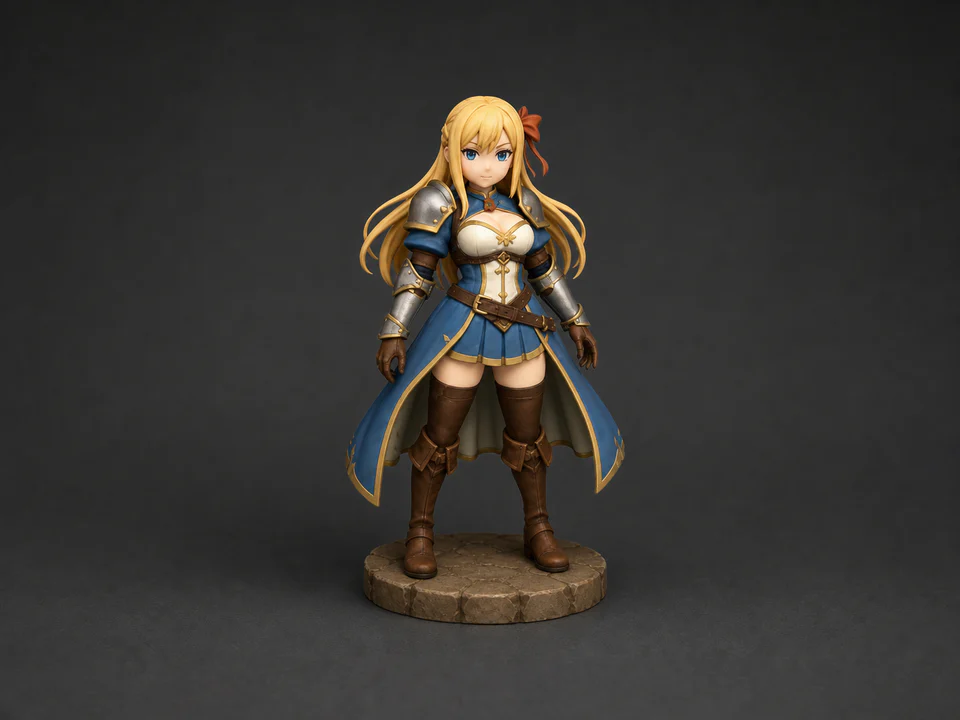
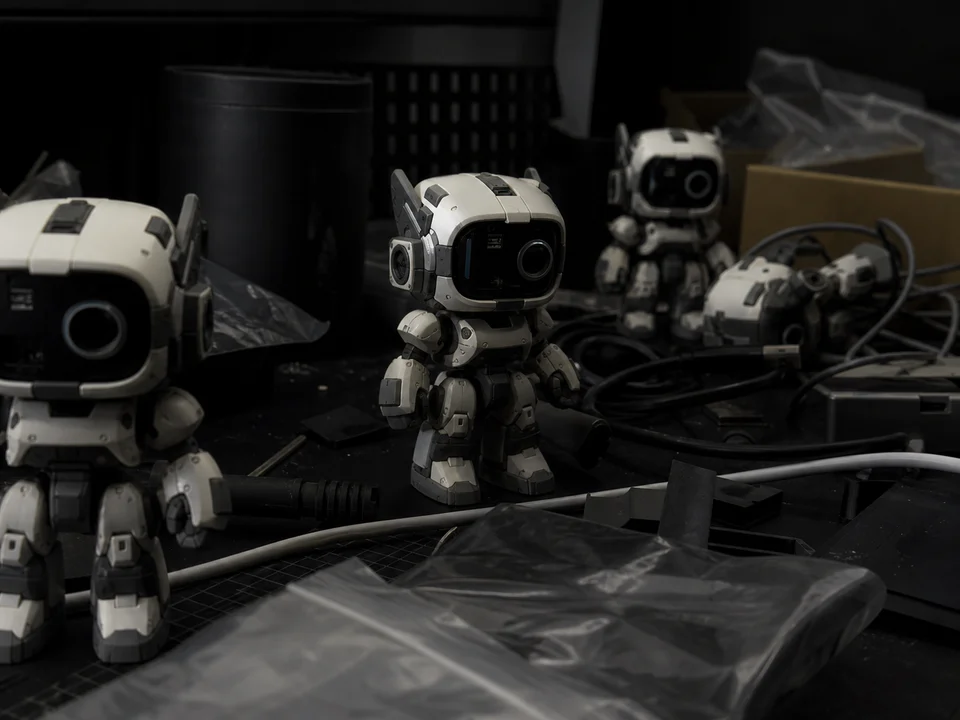
TRELLIS.2 (also written as Trellis 2 or Trellis2) is Microsoft's open-source 3D generation model built on Structured Latent (SLAT) technology. On Vismint, you can use it in the browser: sign in, upload an image, generate a 3D model, and enable texture/PBR output based on settings. No ComfyUI setup or local GPU required.
Built for professionals who need more than a rough 3D preview.
Trellis 2 is built on a Structured Latent representation trained with 2 billion parameters, reconstructing detailed geometry with improved mesh quality.
Trellis 2 outputs more structured polygon meshes with cleaner edge flow, often reducing the retopology work needed before rigging or animation.
When enabled, it can generate physically based rendering textures such as albedo, normal maps, and roughness maps.
Export to GLB format and import directly into Unity, Unreal Engine, Blender, and other standard 3D pipelines.
Product photo, concept art, character sketch — just drag and drop.
The SLAT engine reconstructs geometry and outputs mesh results. PBR textures can be generated based on your settings.
Inspect your model in the built-in 3D viewer, then download your GLB file.
See how Trellis 2 stacks up against other models available on Vismint.
| Feature | Trellis 2 | Others |
|---|---|---|
| Topology Quality | Cleaner edge flow, less cleanup needed | Varies by model |
| PBR Materials | Can be generated via settings (albedo + normal + roughness) | Depends on model |
| Parameter Scale | 2 Billion | Varies |
| Best For | Higher-fidelity assets, downstream editing | Different strengths per model |
Use Trellis 2 to generate base meshes for Unity and Unreal Engine. Clean topology means fewer iterations from concept to in-engine asset.
With Trellis 2, turn product photos into interactive 3D models for web stores, AR try-on, and marketing materials.
Rapidly convert 2D concepts into 3D with Trellis 2 for director reviews, storyboarding, and pre-visualization pipelines.



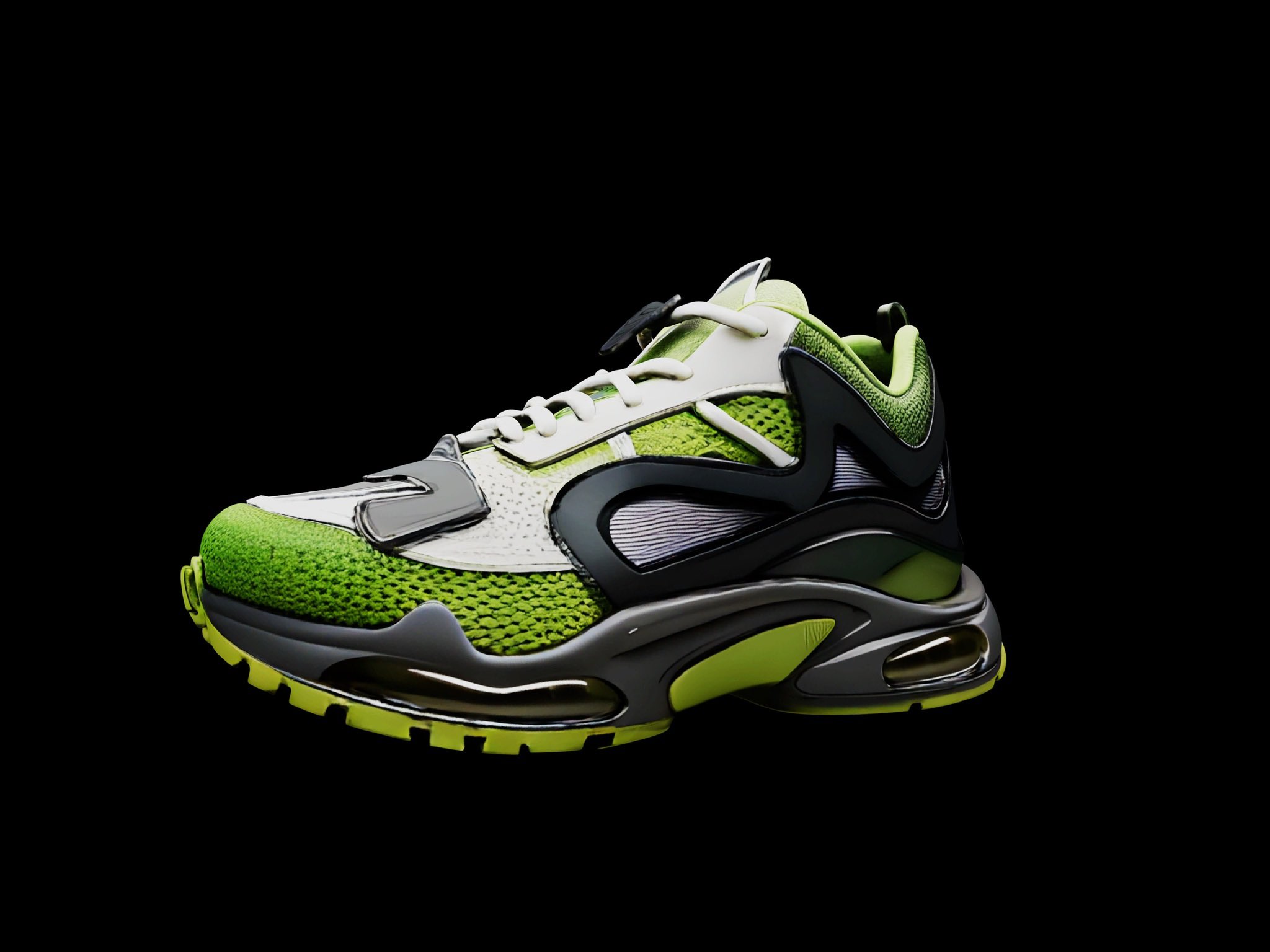


Compare nearby model workflows inside the same Vismint Studio experience.
Trellis 2 is an AI model that converts a single 2D image into a 3D model. It uses SLAT (Structured Latent) technology (a 2-billion parameter architecture) to understand spatial structure and reconstruct geometry. PBR outputs are available when related settings are enabled.
Trellis 2 on Vismint exports GLB format. GLB is widely supported by game engines (Unity, Unreal), web 3D viewers, Blender, and most standard 3D software.
No. All processing runs on Vismint's cloud servers. You just need a modern web browser — no GPU, no installation, no downloads.
Trellis 2 uses the newer SLAT engine with 2B parameters and often provides stronger geometry detail and material results. Trellis 3D (V1) is faster and outputs lighter models for quick previews. Choose Trellis 2 when quality is the priority, and V1 when speed matters most.
Creating an account does not require a credit card. Trellis 2 consumes credits per generation. New-user trial credits and promotional rules follow what is currently shown on the pricing and billing pages.
High-contrast images with clear subjects work best — product photos on white backgrounds, character concept art, or well-lit objects from a front or 3/4 angle. Avoid heavily occluded or blurry images.
No. Unlike running Trellis 2 through ComfyUI or locally via GitHub, Vismint runs everything in the cloud. Just open your browser, upload an image, and download the result. No Python, no VRAM requirements, no workflow configuration.
Yes. The official name is TRELLIS.2 (with a dot), as shown on Microsoft's HuggingFace Space. Trellis 2, Trellis2, and Trellis 2.0 are all common alternative spellings referring to the same model. On Vismint you can use it directly without any local setup.