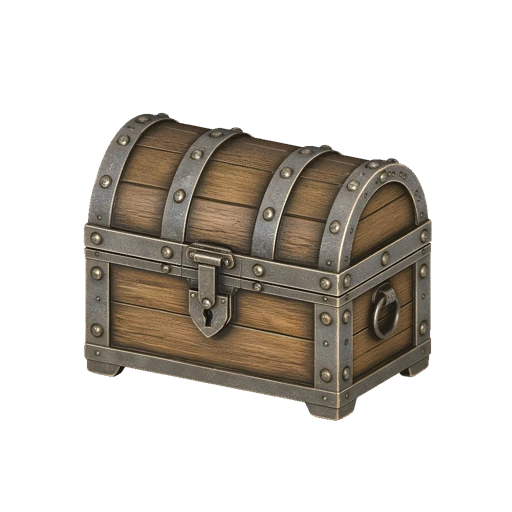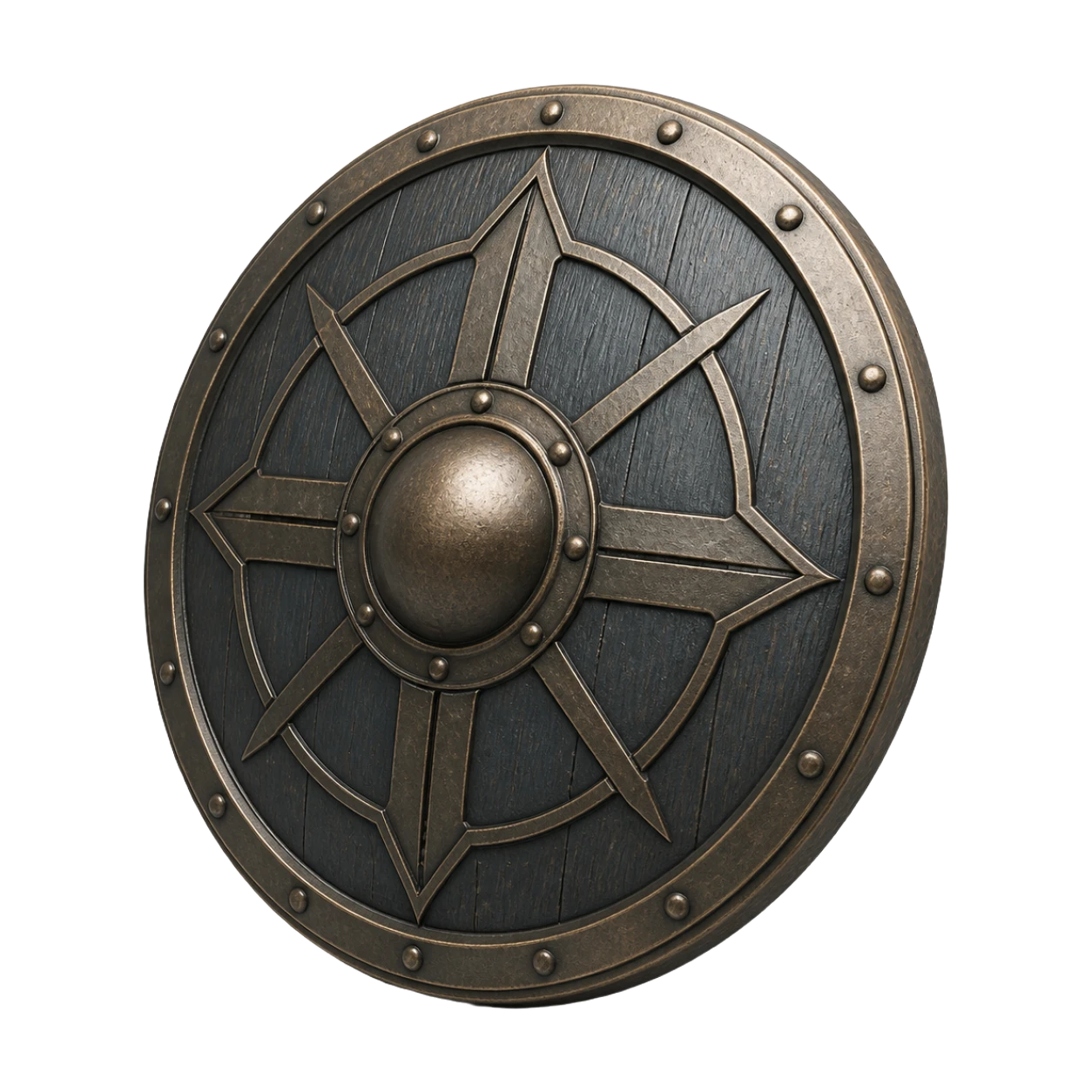
AI 3D Model Generator

Convert 2D images into production-ready 3D assets with PBR textures. Export high-quality models directly to Blender, Unity, Unreal Engine, 3D printing slicers, and web previews.

Example input

AI 3D Model Examples

See how Vismint turns different references into usable 3D assets for games, product concepts, printing, and real-time previews.

Create 3D Assets for Games, Printing, and Web

Vismint gives you practical AI 3D tools in the browser, from image to 3D generation to export-ready model previews.

Image to 3D

Transform product photos, sketches, illustrations, or concept art into detailed 3D models with clean mesh geometry and custom materials.

Text to 3D

No reference image? Enter a text prompt to quickly explore early concepts, then refine the generation using image-to-3D.

Textures and Materials

Generate high-fidelity physically-based rendering (PBR) materials, including Albedo, Normal, and Roughness maps for realistic shading.

GLB, STL, OBJ, FBX

Export web-friendly GLBs for interactive previews, or download STL, OBJ, FBX, PLY, and USDZ formats to fit your existing pipeline.

3D Printing

Generate watertight geometric meshes optimized for STL export, slicing, miniature printing, and physical design prototyping.

Game and Web Assets

Produce game-ready assets with optimized polycounts that can be imported directly into Blender, Unity, Unreal Engine, and WebGL viewers.

Generate a 3D Model with AI in 3 Steps

Start from a single reference image or concept description, let AI reconstruct high-fidelity geometry and materials, and export a ready-to-use 3D asset in minutes.

01

Upload Image

Start with a product photo, concept art, sketch, or clean reference image.

02

Generate 3D Model

Vismint reconstructs geometry and materials using production-focused AI models.

03

Export GLB Asset

Download a textured 3D model for Blender, Unity, Unreal Engine, or Three.js.

Pick the Best 3D Output for Your Project

Choose the right asset type and file format—whether you need pure geometry, rich PBR textures, web-friendly previews, or print-ready STL meshes.

Geometry-first generation

Use geometry mode when shape, silhouette, mesh cleanup, STL export, or later editing matters more than surface color.

Textured 3D assets

Use textured output when you need a more complete visual asset for game prototypes, ecommerce previews, animation, or portfolio renders.

GLB for interactive 3D

GLB is a strong default for web previews, Blender import, Unity or Unreal projects, and sharing compact textured 3D models online.

STL for 3D printing

STL is useful for slicing and physical printing. Start with clean geometry, then check scale, supports, wall thickness, and mesh repairs.

From Reference Image to Production-Ready 3D Asset

Zero 3D experience required. Simply upload any 2D reference image, and Vismint's AI automatically generates high-fidelity geometry and physics-based PBR texture maps in minutes.

Why Choose Vismint as Your AI 3D Model Generator?

We benchmark and integrate the industry's most advanced 3D algorithms to guarantee clean topology, accurate textures, and professional-grade outputs.

Production Geometry

Features clean, well-distributed polygon layouts that minimize manual editing time and make retopology straightforward.

PBR Materials

Generates high-resolution PBR (Physically Based Rendering) texture maps, including Albedo, Normal, and Roughness maps for realistic shaders.

State-of-the-Art Engines

Powered by state-of-the-art 3D diffusion pipelines like Trellis, ensuring your models always benefit from the latest research breakthroughs.

Export & Go

Outputs ready-to-use assets with clean UV unwrapping, allowing you to drop them directly into Blender, Unity, UE5, and WebGL viewers.

Flexible Pricing

Purchase credits anytime. Flexible options for every creator. Transparent pricing with no hidden fees.

Starter

800 Credits

$9.90

~$1.24 per 100 credits

About 8 3D generations
  • Credits valid for up to 1 year
  • Commercial license
  • Access to all AI models
  • No subscription required
Most Popular

Pro Standard

3,000 Credits

$29.90

~$1.00 per 100 credits

About 30 3D generations
  • Credits valid for up to 1 year
  • Commercial license
  • Access to all AI models
  • Priority customer support
  • No subscription required

Max Value

8,000 Credits

$69.90

~$0.87 per 100 credits

About 80 3D generations
  • Credits valid for up to 1 year
  • Commercial license
  • Access to all AI models
  • Priority customer support
  • No subscription required

Frequently Asked Questions

What is Vismint?
Vismint is a browser-based AI 3D model generator for creators, designers, game teams, makers, and product storytellers. It supports image-to-3D generation, textured assets, model previews, and export from one online studio.
How do I create a 3D model with AI?
Upload a clear image, choose a supported AI 3D model, generate the asset, preview the result, then export it as a 3D file such as GLB. For printing, you can prepare the result for STL use.
Can Vismint convert an image to a 3D model?
Yes. Vismint can turn product photos, concept art, sketches, and clean reference images into AI-generated 3D models. Single-subject images with clear lighting and visible shape usually produce the best results.
Does Vismint support text to 3D?
Yes. As an AI 3D generation studio, Vismint supports both Text-to-3D and Image-to-3D. Text prompts are perfect for early-stage brainstorming and idea exploration, while Image-to-3D provides more precise control over shapes, structures, and stylistic details.
What 3D formats can I export?
Vismint uses GLB (glTF) as a strong default for textured 3D assets and interactive previews. Depending on the model and export path, you can also prepare assets for STL, OBJ, FBX, PLY, or USDZ needs.
Should I use GLB or STL?
Use GLB when you need a textured, shareable, interactive 3D asset for Blender, Unity, Unreal Engine, Three.js, or web previews. Use STL when your goal is 3D printing, slicing, or geometry-first fabrication.
What is the difference between geometry and textured generation?
Geometry-first generation focuses on shape, silhouette, and mesh structure. Textured generation adds surface color and material detail, which is better for visual previews, game prototypes, ecommerce, animation, and presentation renders.
What images work best for AI image to 3D generation?
Clear single-subject images with good lighting, visible shape, and minimal background clutter usually produce the best 3D results. Avoid heavily cropped subjects, reflective objects, transparent materials, and busy backgrounds when possible.
What 3D model engines does Vismint use?
Vismint integrates and evaluates multiple advanced AI 3D generation models, including Trellis-style and Hunyuan-style generation. The goal is to give creators reliable shape, texture quality, and export results without forcing them to compare model names first.
Can I use AI-generated 3D assets for commercial projects?
Yes. Commercial use is available for paid users, subject to the Terms of Service and the rights you have for any uploaded input images or reference material.
How long does AI 3D model generation take?
Generation time depends on the model, texture settings, queue load, and output complexity. Many image-to-3D jobs finish in minutes, while higher-quality textured results or advanced settings may take longer.
How does the Credit System work?
Vismint uses a universal Credit System. You purchase credits once and can use them across available generation features on the platform. Different tasks may cost different amounts of credits based on their computational complexity.
Is Vismint only for professional 3D artists?
No. Vismint is useful for non-technical creators who need a fast 3D starting point, while still giving professionals exportable assets they can refine in Blender, Unity, Unreal Engine, slicers, or other tools.