Game Development
Export low-poly model drafts with wrapped PBR textures. Assets can be imported directly into Blender, Unity, or Unreal Engine for layout blocking and concept testing.
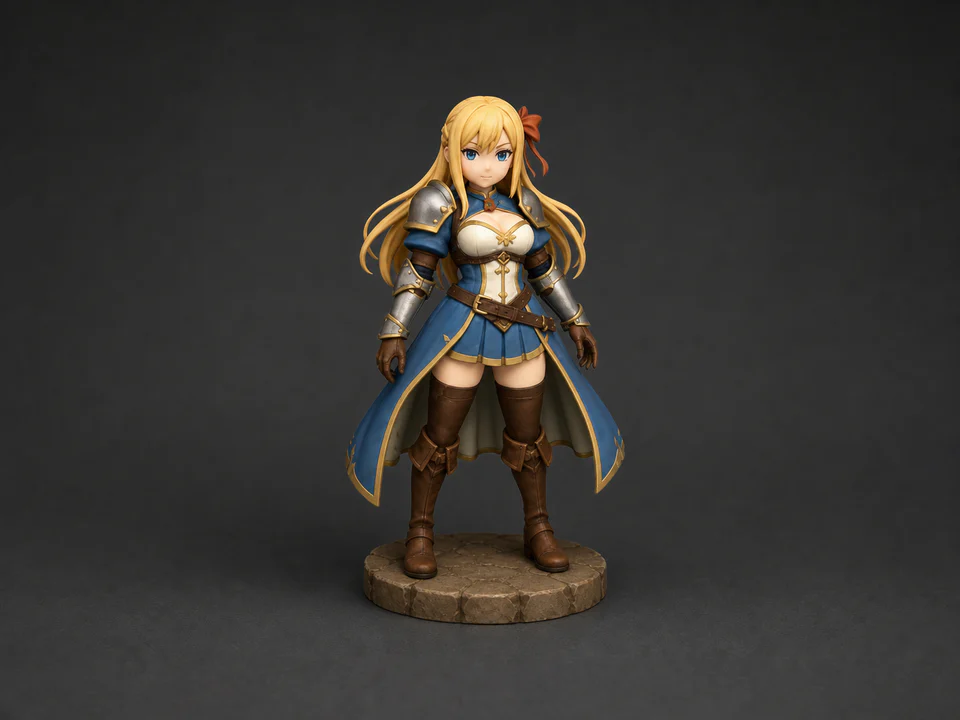
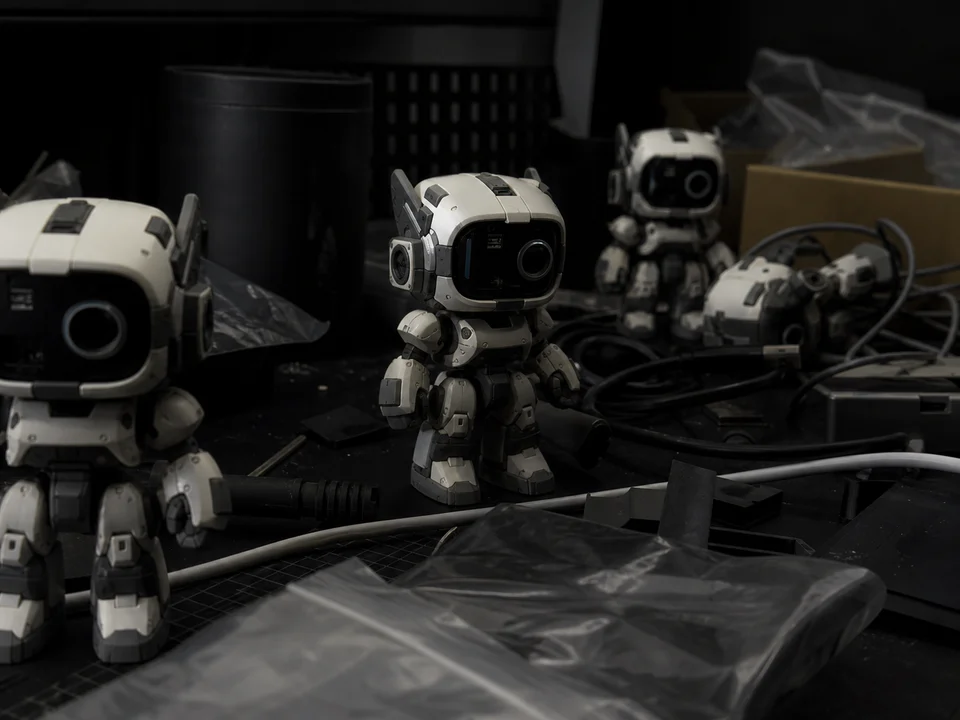
Reconstruct textured 3D model drafts from a single reference image. Vismint provides an intuitive image to 3d generator to help designers, game developers, and artists create 3D assets from 2D sketches and photos.
Vismint generates structured geometry and material outputs designed to fit into your existing creation workflow.
Export low-poly model drafts with wrapped PBR textures. Assets can be imported directly into Blender, Unity, or Unreal Engine for layout blocking and concept testing.
Generate watertight mesh drafts to evaluate physical proportions. Export files for slicing software like Bambu Studio or Cura to check volumes before modeling.
Produce lightweight, web-optimized 3D models with high loading speeds. Support USDZ formats for Apple AR Quick Look and GLB for interactive WebGL viewers.
Convert 2D visual assets into previewable 3D drafts to speed up your asset pipelines.
Upload sketches, photos, or digital art. Our image to 3d model generator analyzes visual cues to estimate shape, depth, and color boundaries.
Access advanced image to 3d pipelines inside Vismint Studio, including models optimized for detail, speed, or hard-surface geometries.
Orbit, zoom, and inspect your image to 3d outputs directly in the browser, then download GLB meshes for downstream editing.
A simple reference-driven workflow for model exploration.
Use a centered object, visible edges, and a simple background. Avoid heavy cropping, transparent objects, and clutter.
Select the model and texture or geometry options that fit your target workflow.
Review the model, export the file, and do any cleanup needed for game, product, or printing workflows.
AI-powered image to 3d generation has transformed how digital artists and designers approach asset concepting. By reconstructing three-dimensional forms from a single 2D image, an image to 3d model generator eliminates the initial manual blocking phase. This enables creators to rapidly iterate on shapes, test proportions in scene layouts, and evaluate visual ideas in minutes instead of hours.
While early image to 3d algorithms only estimated rough shapes, Vismint utilizes state-of-the-art diffusion pipelines to output high-fidelity geometry paired with textured color maps. This image to 3d workflow is particularly suited for creating game prop drafts, stylized character concepts, and tabletop miniatures. It provides a solid starting point that reduces the time spent on initial volume modeling, allowing artists to focus their energy on refining details, retopologizing meshes, and finalizing materials in tools like Blender.
To get the best results from an image to 3d pipeline, the quality of the input reference is crucial. Single-subject photos with clean backgrounds, even lighting, and visible silhouettes allow the AI to accurately reconstruct the geometry. Highly transparent, reflective, or extremely complex subjects can introduce noise, so we recommend starting with clean sketches or well-lit product references to maximize your image to 3d conversion quality.
The Vismint image to 3d generator uses advanced deep learning models to predict depth and reconstruct 3D volumes from a single 2D photo or sketch. Once you upload an image, the pipeline generates a textured GLB mesh that you can inspect in our interactive browser viewport.
The image to 3d workflow performs best with high-resolution, centered, single-object references. Clear lighting, visible silhouettes, and simple backgrounds help the model reconstruct clean geometry. Avoid uploading busy scenes, transparent materials, or heavily cropped images to ensure a high-quality image to 3d draft.
We recommend treating image to 3d outputs as high-quality concept drafts or starting assets. Depending on your target pipeline (such as games or animations), you will typically need to perform mesh cleanup, retopology, or UV adjustments in Blender before final integration. This image to 3d process is designed to speed up the early ideation phase rather than replace final art QA.
Our image to 3d generator projects the colors and textures of your input reference directly onto the reconstructed 3D surface. It estimates hidden areas using advanced generative models to produce a cohesive, wrapped texture map. You can download the textured GLB file to preview the materials in any standard 3D viewer.
Vismint exports standard GLB (glTF) files, which are ideal for web previews, Blender importing, and engine integration. For 3D printing, you can import the GLB into your slicer or use conversion tools to export STL meshes. Always review mesh watertightness and scale in your slicer before printing your image to 3d drafts.
Create a model from text, or add new materials to an existing 3D asset.